

When I first launched my Showit site, I assumed Google would just find it. It didn’t. If you’ve recently rebranded or built a new site and you’re wondering why you’re not showing up in search, two small things usually fix it: a sitemap and schema. Here’s what they are, why they matter, and how I set up both.
What Is a Sitemap (and Why Showit Needs Two)
A sitemap is a single file that lists every page on your website so Google knows they exist. Think of it as handing Google a table of contents instead of making it wander around hoping to find your pages.
Here’s the part that trips up most Showit users: your site is really two systems. Showit hosts your main pages, and WordPress runs your blog — so you actually have two sitemaps. Your Showit pages live at yourdomain.com/siteinfo.xml, and your blog lives at yourdomain.com/sitemap.xml.
Why Bother Submitting a Sitemap?
Google can eventually stumble onto your pages by following links, but that’s slow and unreliable — especially for a brand-new or freshly rebranded site that few other pages link to yet. Submitting your sitemap hands Google the full list up front, so your pages get discovered and indexed faster and nothing important gets missed.
How to Submit Your Sitemap to Google Search Console
Once you know both URLs, submitting them only takes a few minutes.
The Two URLs to Submit
In Google Search Console, open Sitemaps, and in the “Add a new sitemap” box, type siteinfo.xml and submit. Then do it again with sitemap.xml. Within a day or two, both should read “Success.” If you see “Couldn’t fetch” at first, don’t panic — it usually clears on its own.
How to Add Schema to Your Showit Website
Schema is a small piece of code that tells Google what your site means — who you are and what you offer. You don’t have to write it by hand: a free schema generator like JSON-LD.com lets you fill in your business details and copy ready-to-paste code. Start with Organization schema. In Showit, open your site settings, find Custom Head HTML under Advanced Settings, paste your schema there, and hit Publish. Once it’s live, confirm it works with Google’s free Rich Results Test.
Why Schema Is Worth It
Schema won’t magically boost your rankings, but it does two valuable things. It helps Google understand and display your brand correctly — your name, logo, and links — which can earn you richer search listings. And it helps AI tools like Google’s AI Overviews, ChatGPT, and Perplexity describe your business accurately instead of guessing. For a small brand, that clarity is worth a five-minute setup.
Do these two things and you’ve handed Google everything it needs to find, understand, and trust your site.
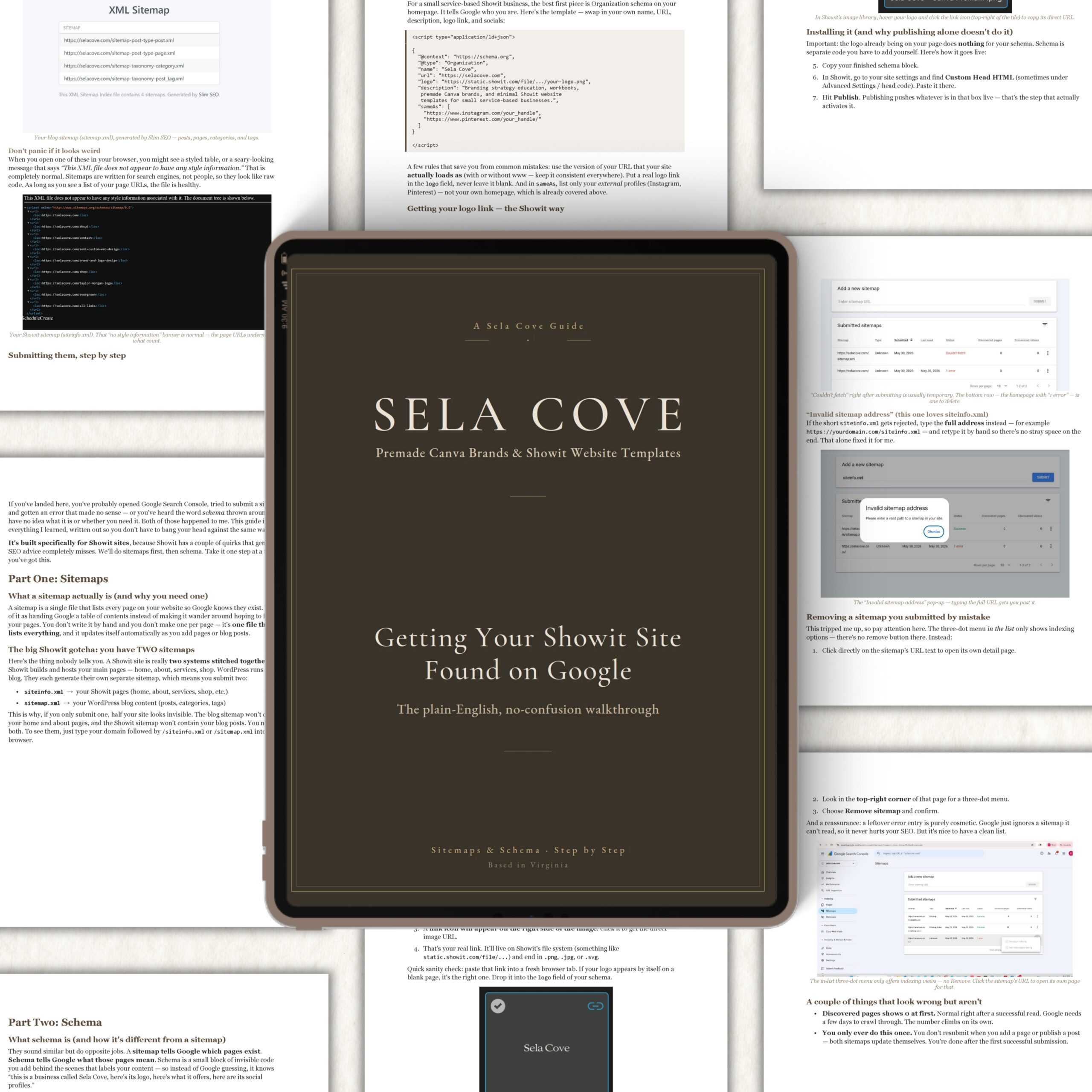
As a gift, I created a PDF guide to help you with everything you need to know about sitemaps and schemas. I have to say, it took me a while. But I got there, and so will you.
DOWNLOAD THE GUIDE
Check out my ETSY shop for other digital, downloaded products.

